I am an e-commerce seller or enterprise
We know that you want to simplify the shipping process, improve efficiency, save time, reduce shipping costs, and expand the scale of operations.
Economyship exists to solve your problems. Our platform serves a wide range of industries. We always simplify the shipping process for you and save freight, helping you reduce costs and expand the scale of operations.
You can follow the following usage process to get freight discounts and complete delivery quickly:
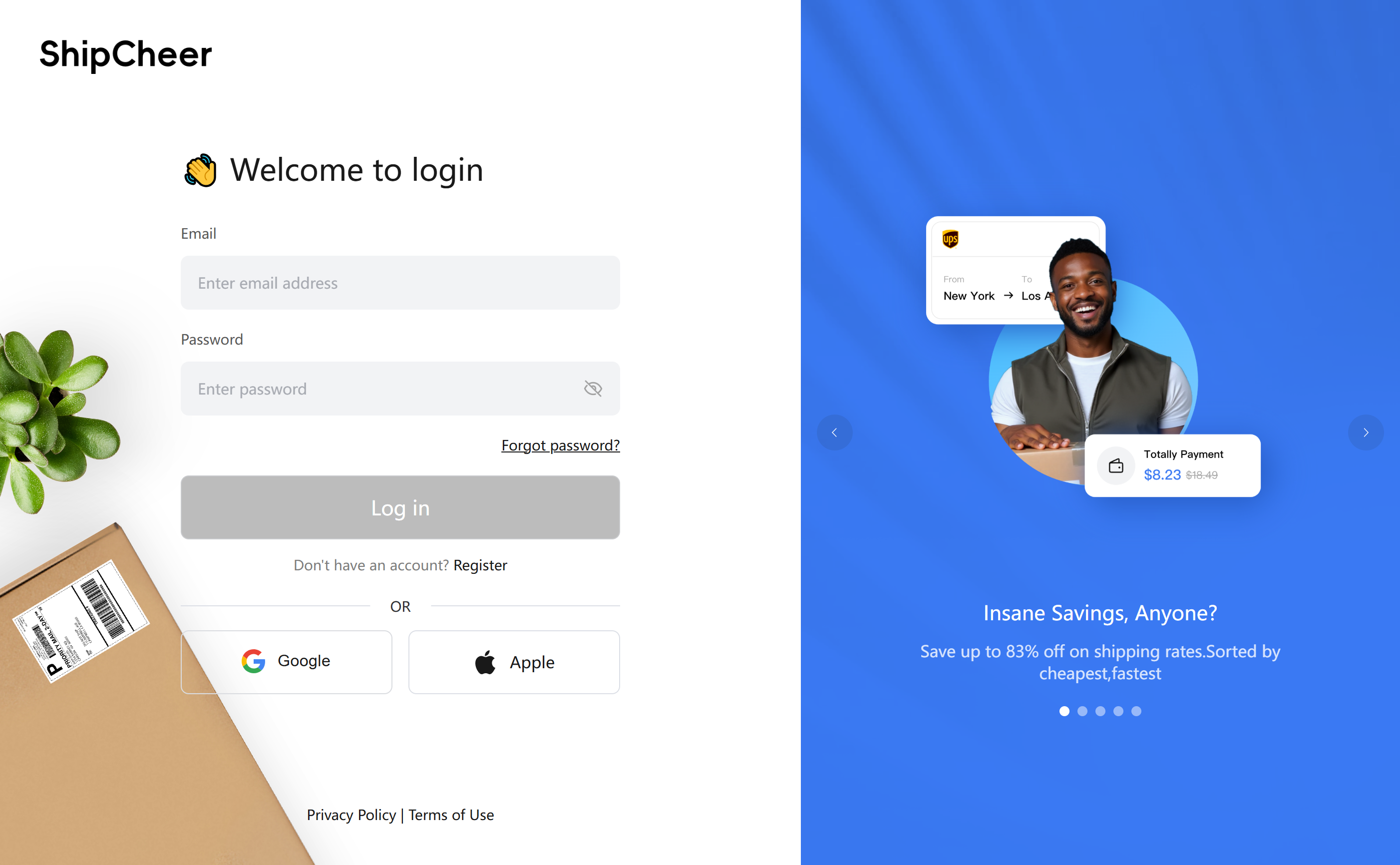
Step 1: Log In to Your Account
① Enter your registered email and password to log in.
② If you don’t have an account, please register first.
Step 2: Import Orders
(1) E-commerce Platform Import
① Go to the 【Connect】 module and select your e-commerce platform.
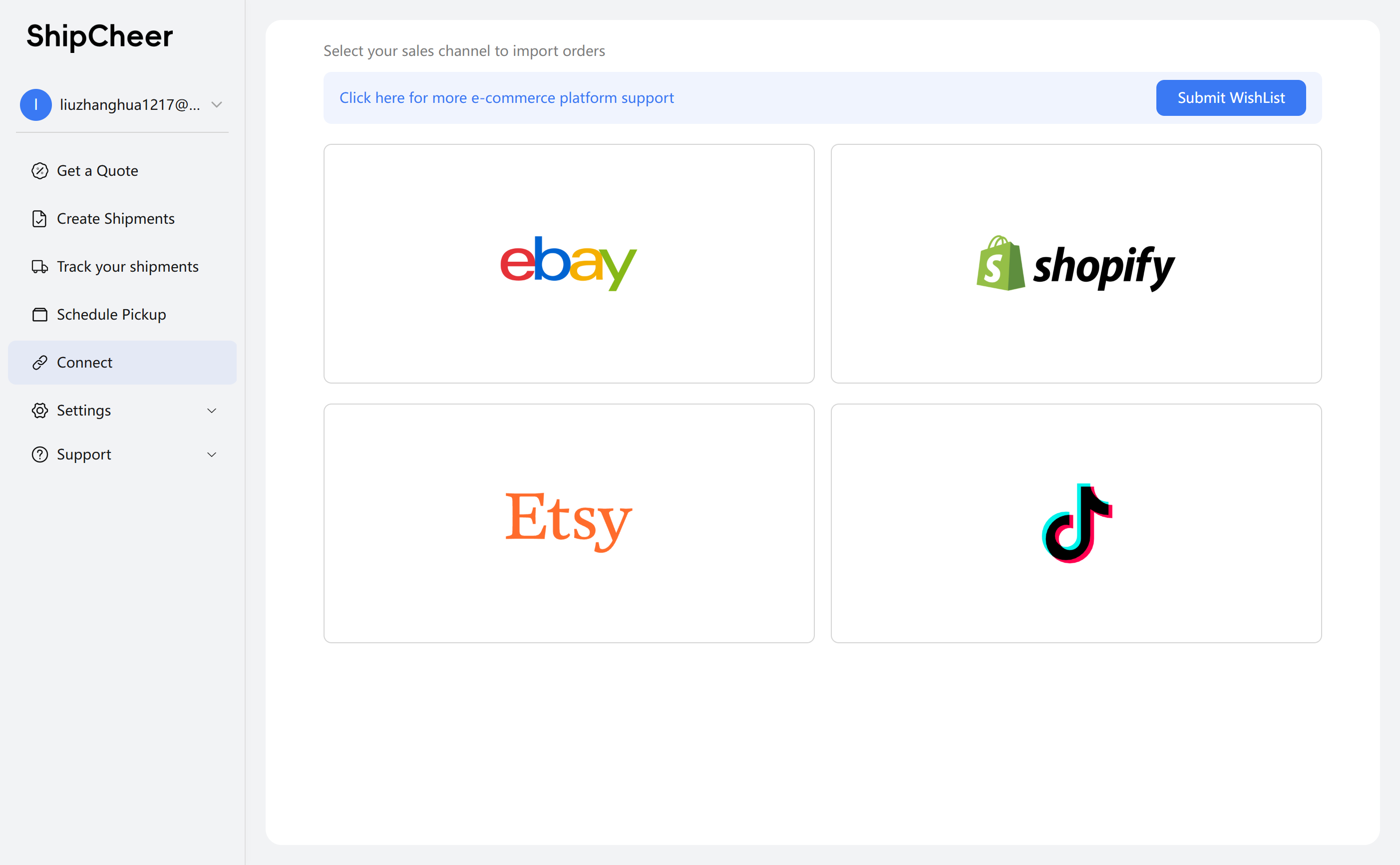
② Link your e-commerce account.
③ Set up order import rules.
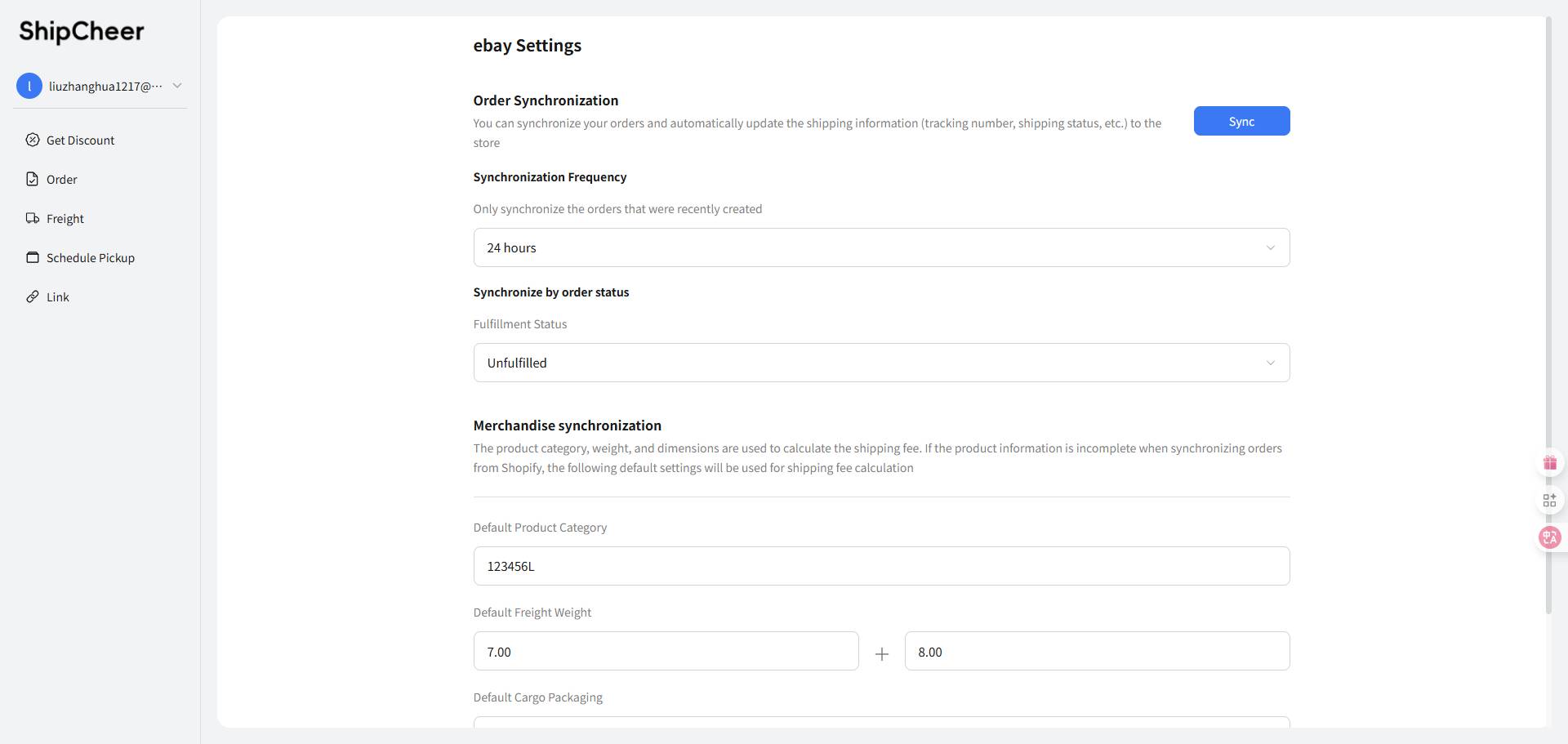
④ Synchronize order data.
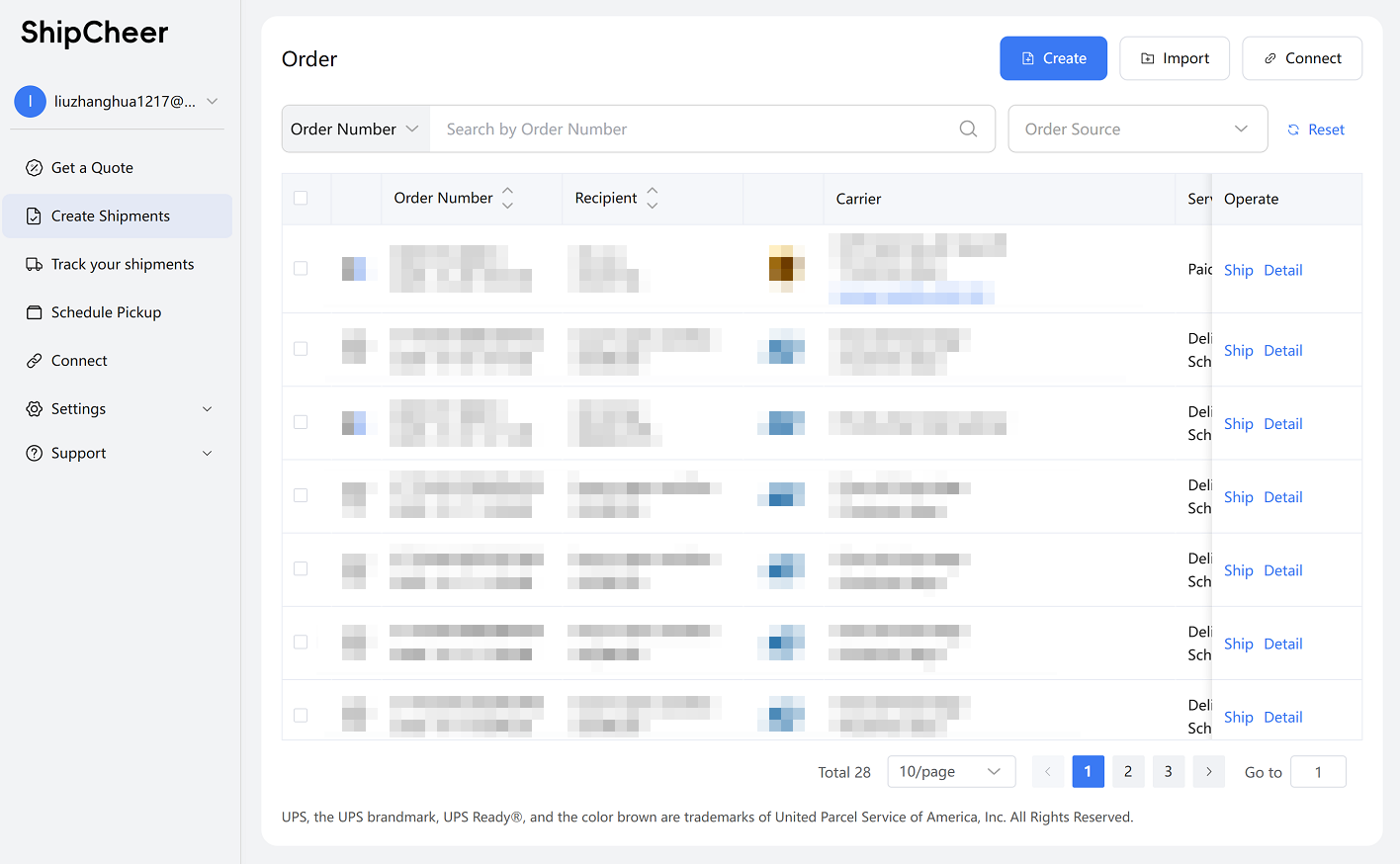
(2) Manual Order Import
① In the 【Create Shipments】 module, click 【Import】
② Click the 【Upload】 button.
③ Select files from your computer’s file explorer.
④ Click 【OK】 to confirm.
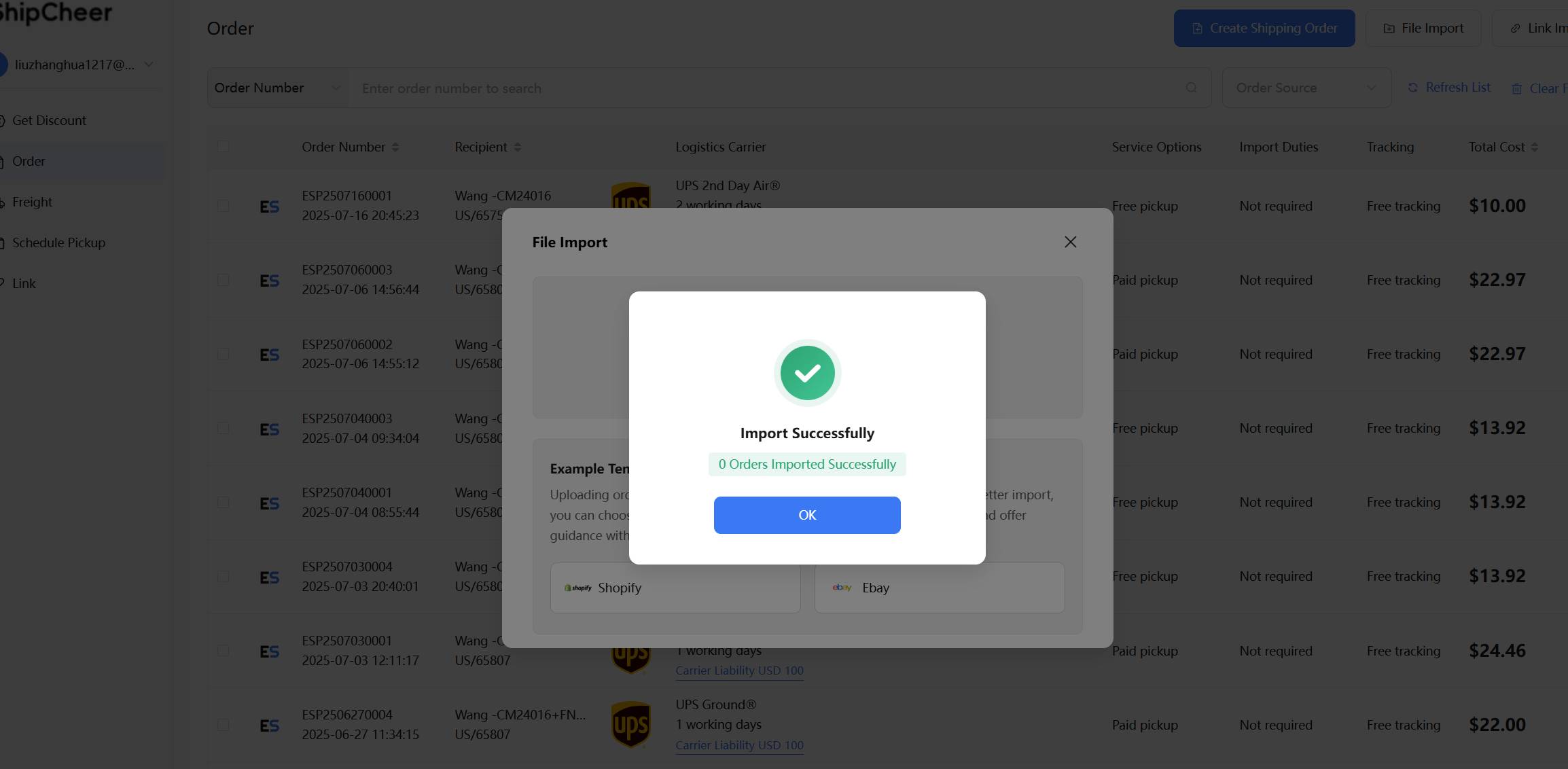
⑤ View imported orders in the 【Create Shipments】 module.
Step 3: Select a Logistics Carrier
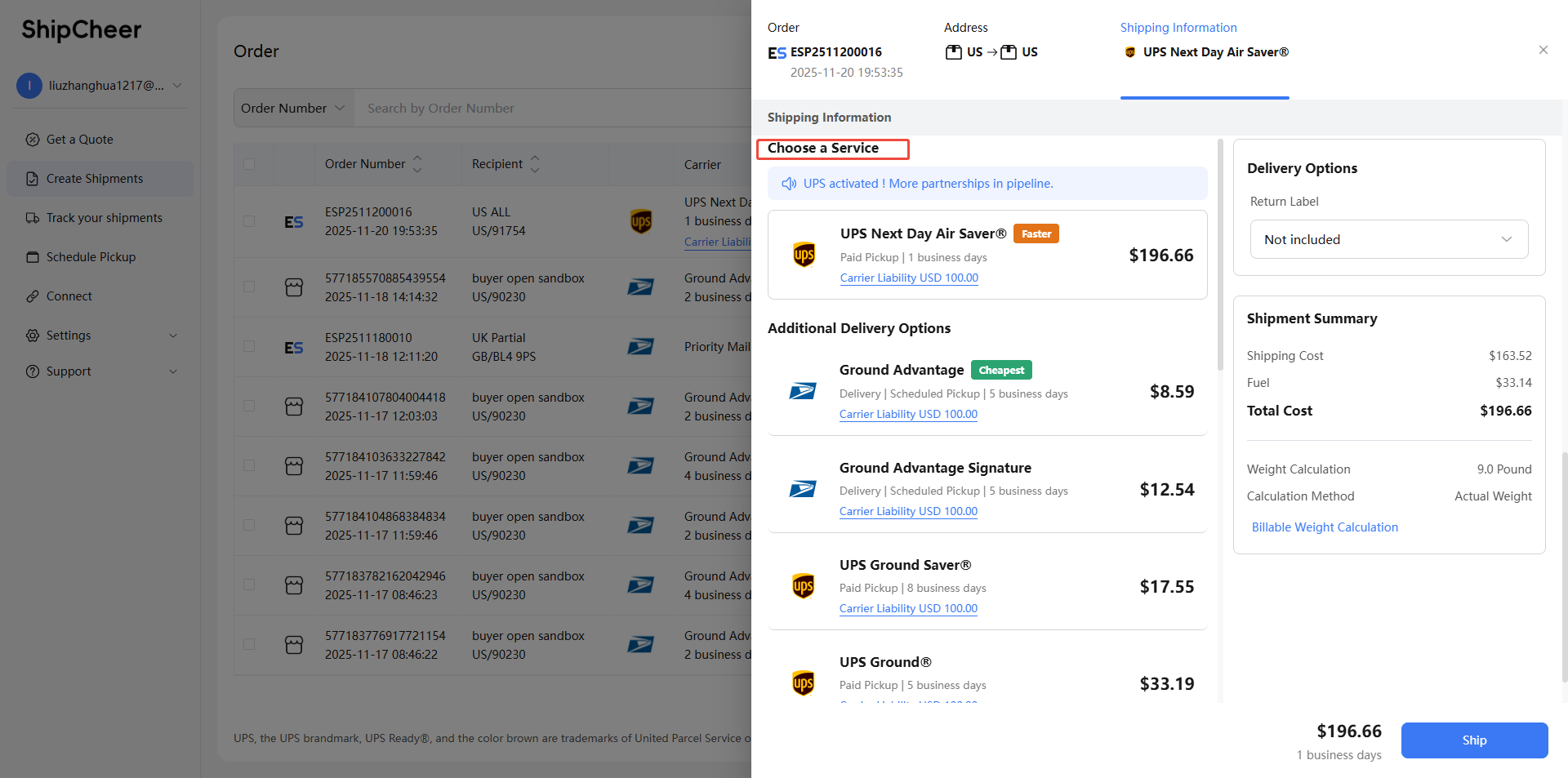
Step 4: Pay for the Order
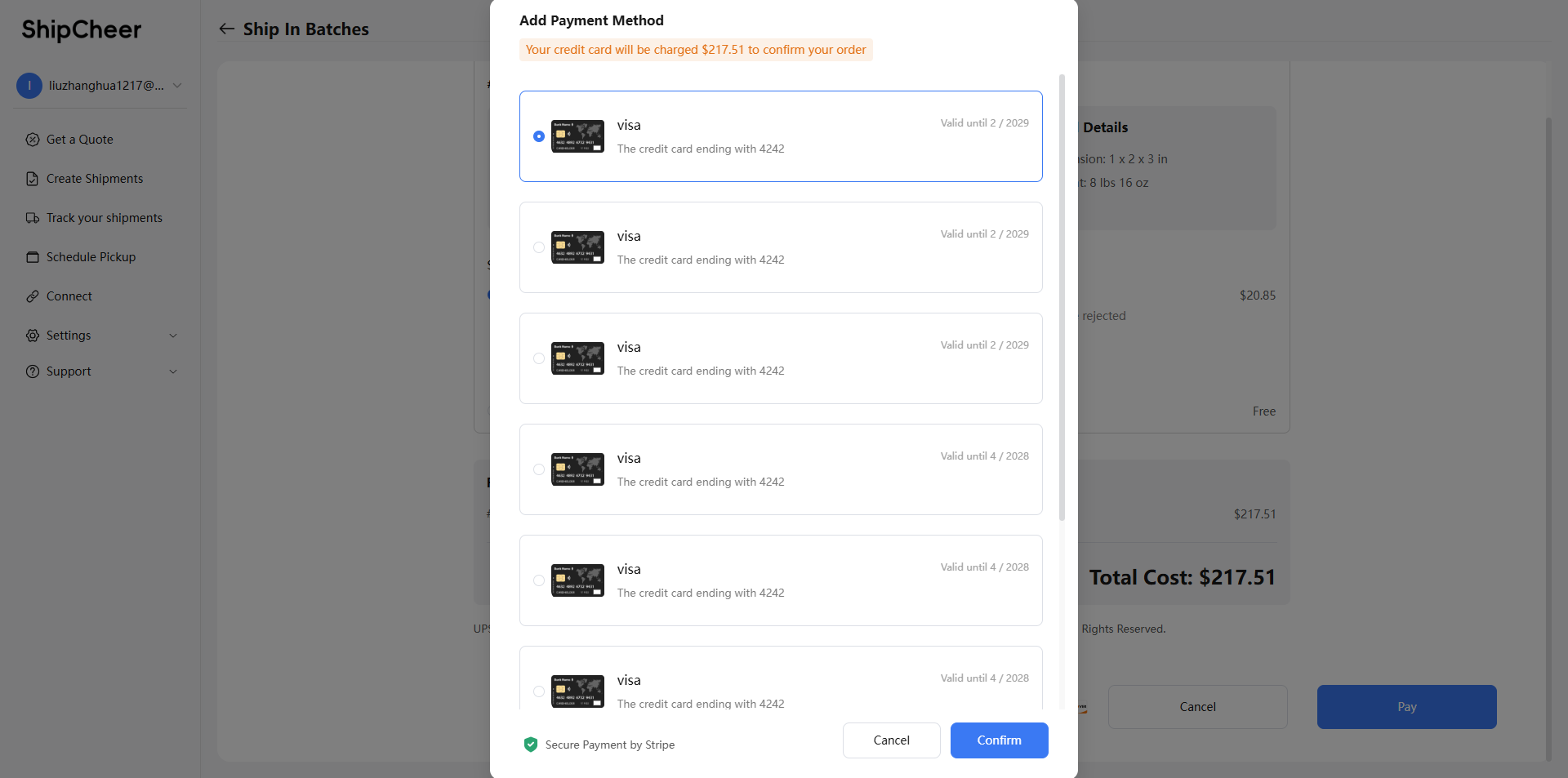
① Confirm payment details.
② Choose a payment method (e.g., bank card) and complete the payment.
Step 5: Ship Your Order
Go to the 【Schedule Pickup】 module to check the pickup status. Transportation begins after pickup.
Step 6: Track Shipping Status
① Click the Check in the 【Operate】 list.
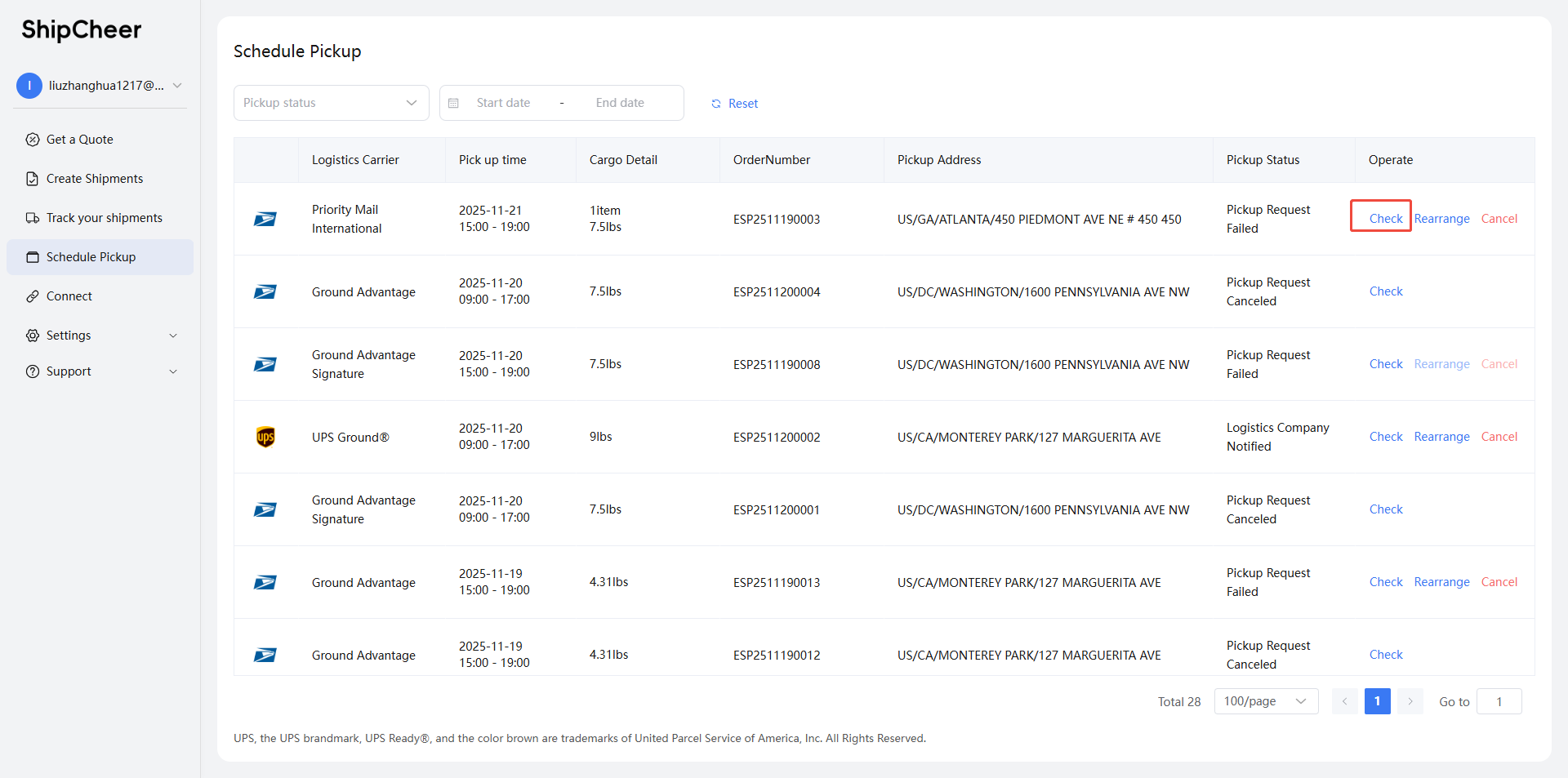
② You will obtain real-time updates.
Related Articles
Import orders through store connection
Connect to e-commerce platforms to automatically import orders, so that you can quickly purchase labels and ship, improve efficiency and save time. Currently, it temporarily supports connecting to eBay. Other e-commerce platforms are being developed ...Understanding Labelife Ship
What is Labelife Ship? Labelife Ship provides you with a one-stop service for order import, freight comparison, shipping label purchase, and shipping. It aims to simplify the shipping process for you and save you freight, saving you cost and time. ...Create a single order
Step 1: Log In to Your Account ① Enter your registered email and password to log in. ② If you don’t have an account, please register first. Step 2: Click 【Get A Quote】 By quickly entering the shipping address and the destination country/postal code, ...I am a private shipper
Whether you are shipping gifts, personal items or food, whether you are shipping one package or multiple packages, you can get a shipping discount with Labelife Ship, with no hidden fees or minimum purchases. You can follow the following process to ...